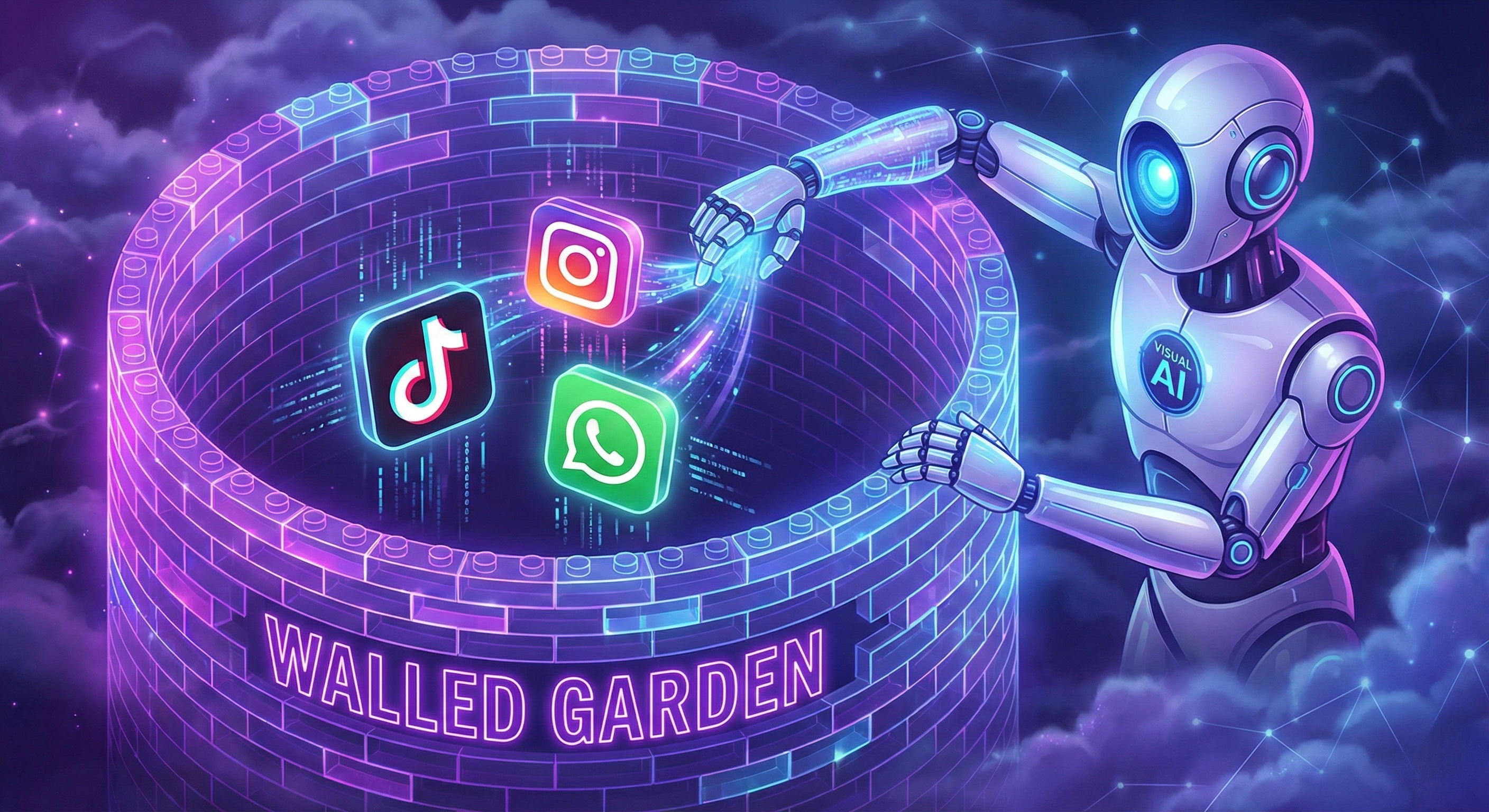
In 2026, the internet is no longer a collection of open websites; it has evolved into a landscape of Walled Gardens called Apps. 70% of global digital traffic occurs inside native mobile applications like TikTok, Instagram, WhatsApp, and Uber. These platforms do not want to be scraped. They do not offer public APIs. And they aggressively ban emulators.
For businesses, this creates a massive data and operational black hole. How do you automate a process inside an app that is designed strictly for manual human interaction?
The solution is not reverse-engineering private APIs (which is illegal, fragile, and costly). The solution is Mobile Use—a revolutionary AI capability that allows an autonomous agent to "see" a mobile screen and "touch" it, just like a human user.
This guide explains how to build a scalable, ban-proof Mobile Use infrastructure using Promoi AI and Jumei Cloud Phones.
Why do traditional automation methods like Appium fail in 2026?
Before understanding Mobile Use, we must understand why existing methods like Appium, UiAutomator, and Android Emulators are dying technologies in the face of modern anti-fraud systems.
The Emulator Problem (x86 vs. ARM) Traditional automation relies on Emulators (Bluestacks, Nox, Android Studio) running on PC servers. These emulators translate Android's ARM instructions into the PC's x86 instructions (using libhoudini).
-
The Detection: Modern apps check for this translation layer. They monitor thermal throttling, battery voltage curves, and sensor noise. An emulator running on a server has a flat battery line (always 100% or charging) and zero gyroscope movement. This flags the device as "Virtual" immediately.
The Accessibility Service Trap Tools like Auto.js use Android's built-in "Accessibility Services" to identify UI elements and click buttons.
-
The Detection: High-security apps (Banking, TikTok, Snapchat) detect if Accessibility Services are enabled. They often block users or shadowban them, assuming any active accessibility service is a click-bot or malware.
The Driver Signature Frameworks like Appium install a "Test Driver" apk on the device to control it. This driver leaves a massive footprint in the package list and running processes, which is easily detected by the app's security SDK (e.g., Argus, Shield).
How does "Mobile Use" technology decouple the Brain from the Hand?
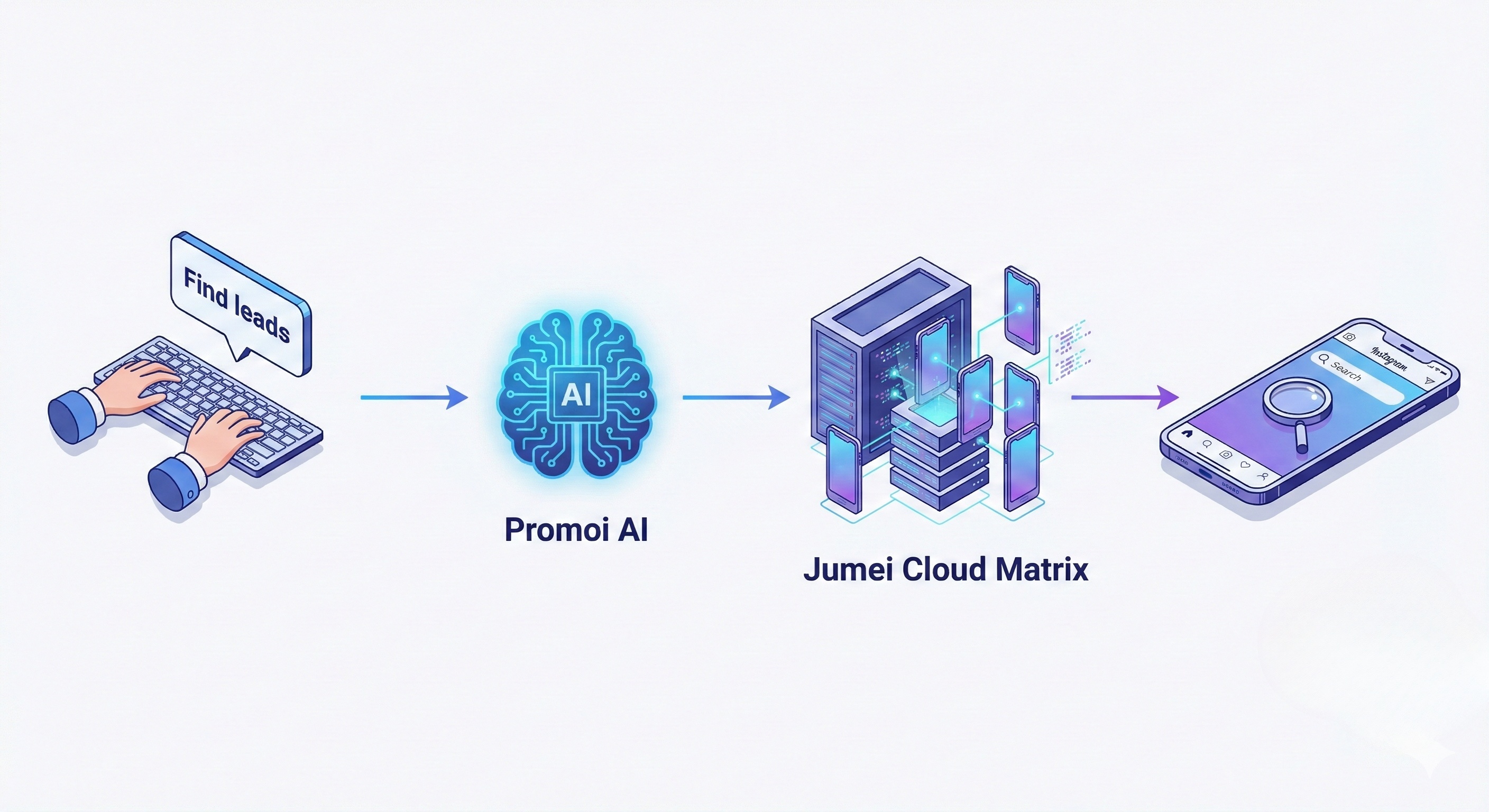
Mobile Use is the application of Visual AI Agents to mobile operating systems. It fundamentally changes the automation paradigm by decoupling the "Brain" (AI) from the "Hand" (Device).
The Mobile Use Tech Stack:
-
The Eyes (Computer Vision via H.264): The AI receives a low-latency real-time video stream (H.264/H.265) from the cloud device. It does not inspect the XML layout tree. It uses OCR (Optical Character Recognition) and Object Detection models to understand the UI visually.
-
AI Logic: "I see the 'Upload' button in the bottom center of the screen."
-
-
The Brain (LLM Planner): The Large Language Model understands the high-level goal and breaks it down into steps.
-
AI Logic: "To post a video, I need to click Upload, then select the video from the gallery, then click Next."
-
-
The Hand (Human HID Driver): The AI sends standard Human Interface Device (HID) touch events (X,Y coordinates, pressure, duration) to the device's kernel. Crucially, these are randomized to mimic human thumbs.
This approach is Non-Invasive. No automation apps are installed on the phone to control it. The AI operates entirely from the "outside," looking at pixels and sending hardware signals.
Why is Jumei's ARM Cloud Matrix the only safe infrastructure?
For Mobile Use to be undetectable, the underlying hardware must be genuine. If the environment is fake, the smartest AI in the world will still get banned. This is where Jumei provides the foundation.
We do not use emulators. We use Enterprise ARM Cloud Phones. These are physical system-on-chips (SoC) housed in our data centers.
-
Native Architecture: The apps run on native Android hardware (Snapdragon/MediaTek chips). There is no instruction translation to detect. The app runs exactly as it would on a physical Samsung or Pixel phone.
-
Hardware Fingerprints: Each Jumei cloud phone has a unique, persistent IMEI, MAC address, Bluetooth MAC, and hardware serial number. We do not recycle fingerprints between clients.
-
Sensor Simulation: Jumei injects realistic sensor data at the HAL (Hardware Abstraction Layer).
-
GPS: Simulates movement along a path, not just teleportation.
-
Accelerometer: Simulates hand micro-jitters when holding a phone.
-
Battery: Simulates realistic discharge curves based on CPU usage.
-
Where can you apply Mobile Use beyond just social media?
While TikTok and Instagram are the biggest drivers, Mobile Use opens up automation for the entire app economy.
Case A: Social Media Matrix Operations Scaling organic traffic on TikTok, Instagram Reels, and YouTube Shorts requires mass account management. Mobile Use AI can:
-
Warm-up Accounts: Randomly scroll, watch videos, and like content to build a "User Interest Graph."
-
Auto-Reply: Read comments via OCR and type intelligent, context-aware replies using the soft keyboard.
-
Cross-Platform Posting: Take one video file and upload it manually to TikTok, then IG, then Snapchat, adapting to each UI's specific cropping and music selection screens.
Case B: The Gig Economy & On-Demand Apps Companies use Mobile Use AI to manage fleets of accounts on platforms like Uber, Doordash, or TaskRabbit for market analysis.
-
Price Monitoring: Open the Uber app every 10 minutes in 50 different cities (using Jumei's GPS mocking) to track surge pricing dynamics.
-
Availability Tracking: Monitor delivery slots on Amazon Flex or Instacart in real-time.
Case C: Mobile Gaming & Farming Promoi AI Agents can play mobile games. Not by injecting code (which triggers anti-cheat), but by "seeing" the game.
-
Resource Farming: Identify resources on screen and tap to collect.
-
Daily Quests: Navigate complex menus to claim daily rewards.
-
Testing: Game developers use it for automated QA testing to ensure UI elements are clickable.
Is Mobile Use AI really better than Appium?
Why should a CTO switch from the industry-standard Appium to this new Visual AI stack?
|
Feature |
Appium / UiAutomator |
Mobile Use AI (Promoi) |
|---|---|---|
|
Method |
Code Injection (View Hierarchy) |
Visual Perception (Pixels) |
|
Resilience |
Breaks if App ID/Layout changes |
Self-Healing (Visual adaptation) |
|
Ban Risk |
High (Easy to detect driver) |
Zero (External control) |
|
Setup |
Complex (Requires USB Debugging) |
Instant (Cloud Stream) |
|
Logic |
Rigid Scripts (If/Else) |
Flexible Reasoning (LLM) |
|
Device Req |
Often requires Root/Debug mode |
Works on Non-Rooted Retail OS |
⚠️ The "Root" Warning: Many automation tools require you to "Root" the Android device. Never do this. Banking apps, TikTok, and Snapchat act like malware scanners; if they detect Root access, they will ban the device ID permanently. Jumei Cloud Phones are non-rooted by default to ensure maximum compliance.
How do you deploy your first Mobile Agent?
Here is how to get started with the Jumei + Promoi stack:
-
Rent a Cloud Phone: Go to the Jumei console and purchase a "KVIP Cloud Phone" (Recommended Android 12/13).
-
Configure Network: Bind a static residential proxy to the device via the Jumei network settings. Ensure the IP matches your target country.
-
Connect Promoi: In the Promoi dashboard, select "Add Device" and enter the stream URL and Auth Token of your Jumei phone.
-
Train the Agent: Use natural language commands.
-
Command: "Open TikTok. Scroll for 5 minutes. If you see a video about 'Cats', like it. If you see a video about 'Politics', scroll past quickly."
-
-
Scale: Once the behavior is verified, create an image of the cloud phone and clone it to 100 other devices.
FAQ: Mastering Mobile Automation
Q: Can Mobile Use AI bypass 2FA?
Yes. The AI can "see" the SMS notification pop up on the screen (or access the Messages app), read the 6-digit code via OCR, and type it into the app login field. It handles the entire login flow autonomously.
Q: Is it slower than API automation?
Yes. It operates at human speed. API automation is instant but detectable. Mobile Use takes 2 seconds to swipe and click. This latency is a feature, not a bug—it is what keeps your accounts safe from behavioral analysis.
Q: Does this work on iOS?
Currently, enterprise automation is focused on Android due to the cost-efficiency of ARM server blades. However, Jumei's visual technology is OS-agnostic and can theoretically control iOS devices if they are hosted in a compatible cloud environment.
Q: How much bandwidth does the video stream consume?
Since the AI processing happens on the server side (Promoi), you only need enough bandwidth to stream the H.264 video. Jumei optimizes this stream, so it is very lightweight compared to downloading the raw data.
Unleash Your Mobile Workforce
The app economy is too big to ignore, and too hard to automate manually. Build a resilient, scalable, and intelligent mobile workforce today.