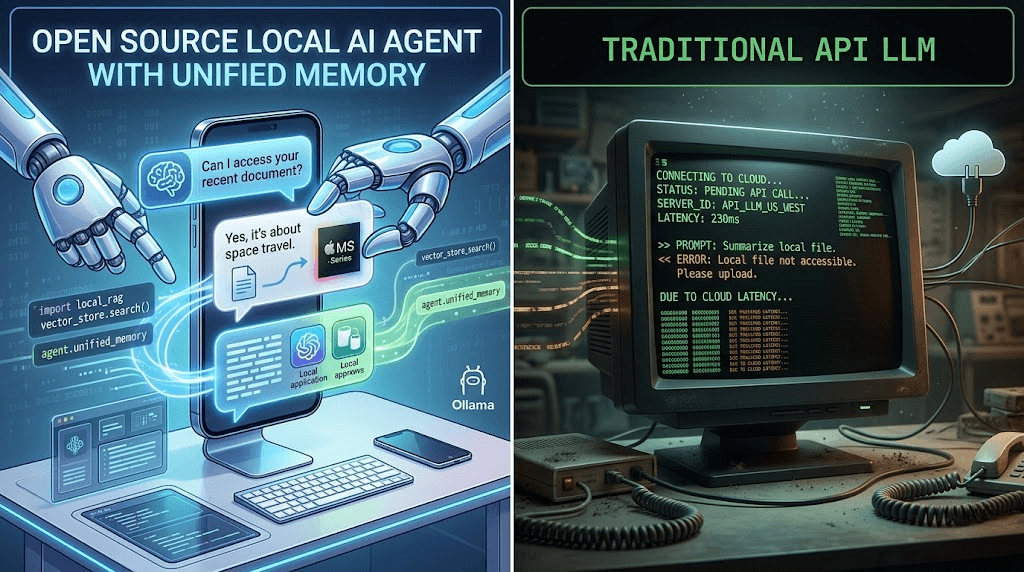
For the last twenty years, humans have interacted with the internet through a graphical user interface (GUI) rendered by web browsers. When businesses wanted to automate these interactions—to scrape data, test applications, or submit forms—they were forced to translate human intent into rigid code. They used CSS selectors, XPaths, and APIs.
This approach has a fatal flaw: the internet is dynamic. A single A/B test or an updated div class name by a platform's developer can instantly break a script that took weeks to build. The resulting maintenance debt has crippled enterprise automation efforts.
But in 2026, a fundamental paradigm shift has taken over the tech industry. It is called Browser Use. It represents the transition from "Code-based Automation" to "Agentic Visual Automation."
This ultimate guide explores what Browser Use is, how it utilizes Large Language Models (LLMs) and Vision-Language Models (VLMs) to navigate the web, and why deploying it requires specialized infrastructure like Jumei's Fingerprint Browsers to survive modern anti-bot detection.
What exactly is "Browser Use" and how does it work?
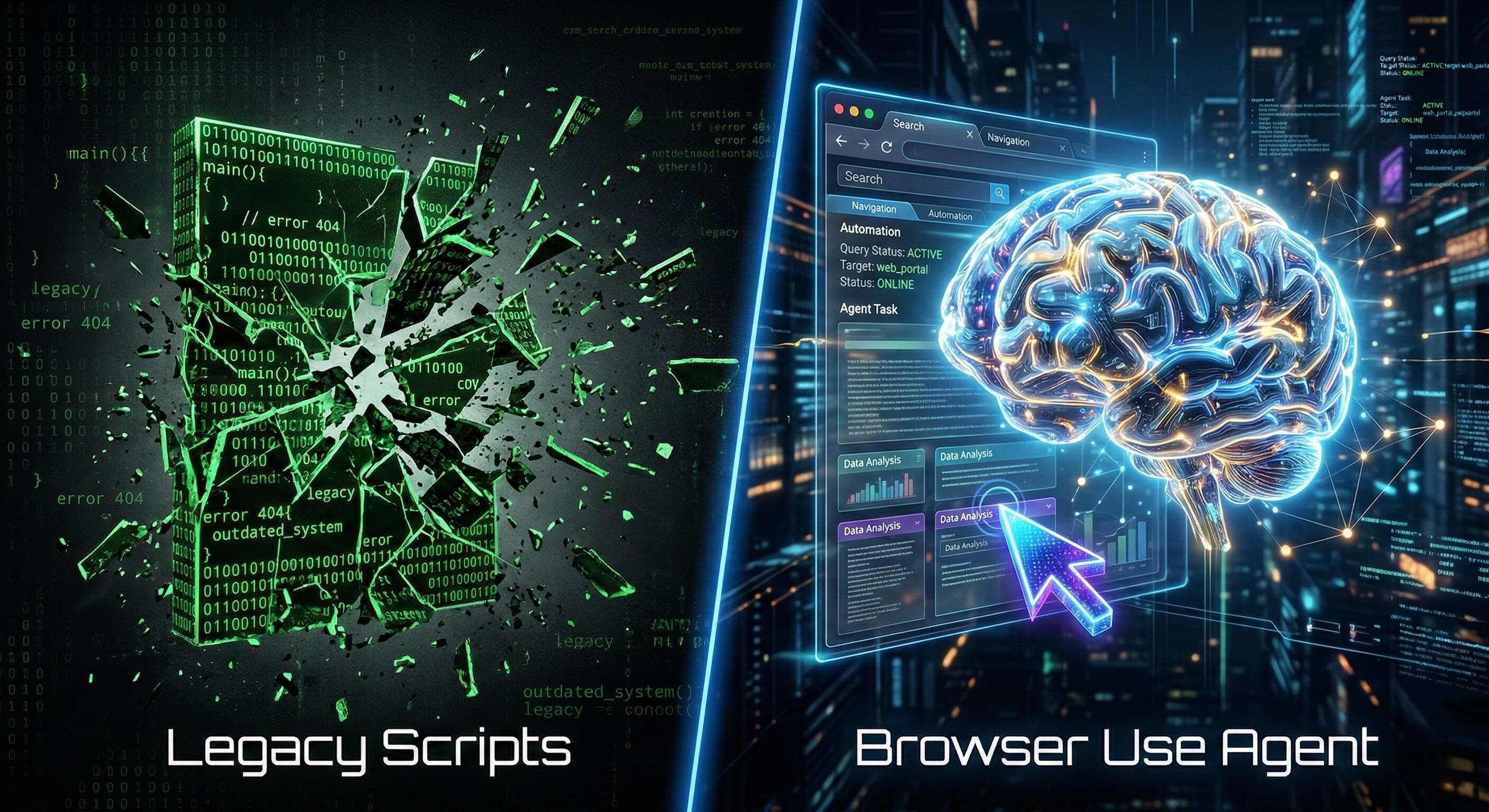
At its core, Browser Use is an open-source framework and a broader technological concept that enables an AI Agent (an LLM) to autonomously interact with a web browser.
Instead of a human looking at the screen and moving the mouse, the AI "looks" at the DOM (Document Object Model) or a visual screenshot of the page, reasons about what it sees, and decides what action to take next to fulfill a user's prompt.
🧠 The Agentic Loop Browser Use operates on a continuous feedback loop:
Observation: The Agent captures the current state of the web page (via HTML parsing, Accessibility Trees, or Screenshots).
Reasoning: The LLM interprets the data. "I see a search bar and a login button. My goal is to find a product, so I should interact with the search bar."
Action: The Agent translates its decision into a browser command (e.g.,
click(element_id=12),type('laptop')).Feedback: The browser executes the action, the page updates, and the Agent observes the new state to verify success.
How It Translates the Web for AI LLMs process text, not graphical interfaces. The genius of the Browser Use framework is how it parses a complex, messy webpage into an LLM-friendly format. It typically does this by extracting interactive elements (links, buttons, inputs) and assigning them numerical tags.
For example, instead of feeding the LLM 10,000 lines of messy HTML, it feeds it a clean list: [12] Button: 'Sign In', [13] Input: 'Username'. The AI then simply replies: "Type 'admin' into [13], then click [12]."
Why is Browser Use replacing legacy automation like Selenium and Playwright?
Developers often ask: "Isn't this just Playwright with ChatGPT on top?"
While Browser Use tools often utilize Playwright as the underlying engine to physically drive the browser, the control logic is completely revolutionized. Here is why legacy RPA (Robotic Process Automation) is being replaced by Agentic AI.
Feature | Legacy Scripts (Selenium / RPA) | Browser Use (Agentic AI) |
|---|---|---|
Navigation Logic | Deterministic Code (e.g., | Semantic & Visual Understanding |
Resilience to UI Changes | Fragile. Breaks instantly if a class name or layout changes. | Self-Healing. AI finds the button based on context, even if it moves. |
Exception Handling | Fails entirely on unexpected pop-ups (e.g., "Subscribe"). | Analyzes the pop-up, realizes it's an obstruction, and clicks "Close". |
Setup Speed | Days or Weeks of custom coding and debugging. | Minutes. Driven by Natural Language prompts. |
Cognitive Tasks | Impossible. Cannot summarize or make contextual decisions. | Native capability. Can read an article and extract specific insights. |
What is the biggest threat to AI Agents in 2026? (The Anti-Bot Problem)
Here is the critical reality check for 2026: Having a smart AI is useless if the website refuses to let it in.
As Browser Use technology has proliferated, web security companies like Cloudflare (Turnstile), Datadome, and Akamai have upgraded their defenses. They no longer just look for high-frequency requests; they look for Browser Fingerprint Anomalies.
🚨 The Localhost Trap If you run a Browser Use script on your local MacBook or an AWS Linux server using a standard headless Chrome instance, you will be blocked on 80% of modern websites. The security systems will detect:
Missing or inconsistent WebGL rendering data.
Data Center IP addresses instead of Residential ISPs.
The
navigator.webdriver = trueflag embedded in standard automation frameworks.
Why is Jumei's infrastructure mandatory for securing your AI Agents?
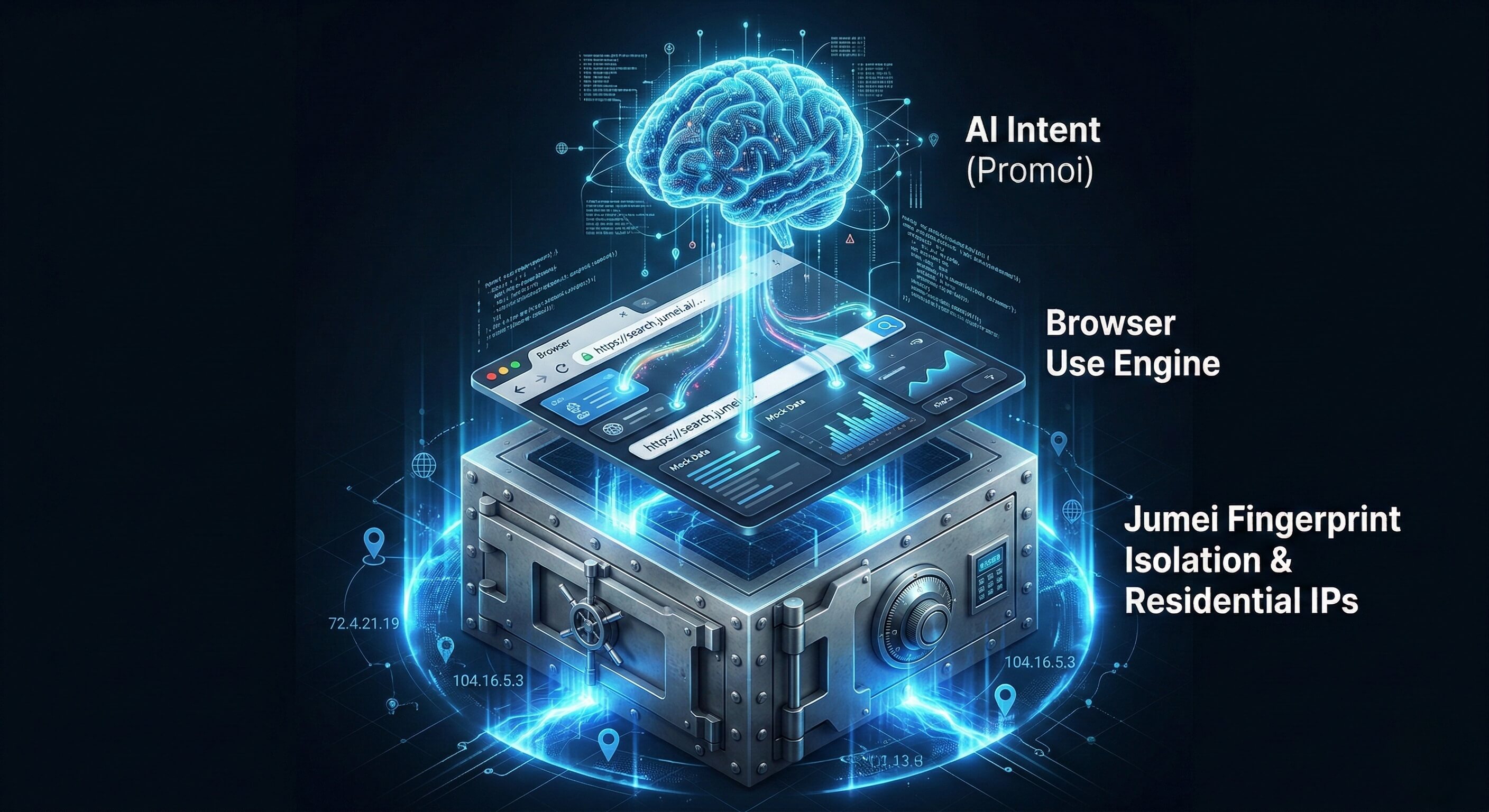
To successfully deploy Browser Use at an enterprise scale, you must decouple the Intelligence (the AI Agent) from the Execution Environment (the Browser). The browser environment must be indistinguishable from a real human's laptop.
This is exactly why top automation teams run their Agentic Workflows inside Jumei's Secure Infrastructure.
The Jumei Anti-Detect Stack:
Kernel-Level Fingerprint Spoofing: Jumei's customized Chromium environments inject cryptographic noise into Canvas, AudioContext, and WebGL APIs. Every time your AI Agent opens a Jumei browser profile, the target website sees a completely unique, un-bannable physical device.
Residential IP Binding: Jumei routes your AI's traffic through high-trust, static residential proxies. To LinkedIn or Amazon, your AI Worker appears as a marketing manager sitting in a house in Chicago, not a script running in a data center.
Absolute Isolation: If you are running 500 parallel AI Agents, Jumei ensures strict Cookie, LocalStorage, and IndexedDB isolation. A ban on one profile will never "infect" the others via device chaining.
How are forward-thinking enterprises applying Browser Use today?
How are forward-thinking companies actually monetizing Browser Use technology combined with Jumei's infrastructure?
A. Autonomous B2B Lead Generation Using AI Agents for Lead Gen is the most profitable use case. Instead of risking a ban by using a Chrome Extension scraper on LinkedIn, you deploy a Browser Use Agent inside a Jumei profile. Prompt: "Go to LinkedIn Sales Navigator. Search for SaaS Founders in London. Read their recent posts. If they mention 'scaling', send a highly personalized connection request referencing their post."
B. E-Commerce Competitor Monitoring Traditional scrapers get IP-banned by Walmart or Amazon within minutes. A Browser Use Agent running on a Jumei Residential profile can navigate the site naturally, bypass CAPTCHAs visually, and compile daily pricing intelligence across thousands of SKUs without triggering alarms.
C. Cross-Platform Social Media Operations Upload a single video and tell the Agent: "Log into TikTok, Instagram, and YouTube. Upload this video, write a platform-specific engaging caption, select trending audio, and post." The Agent handles the wildly different UIs of all three platforms autonomously.
How does Promoi provide the ultimate managed AI workforce?
Building your own Browser Use infrastructure from scratch using LangChain and Playwright takes months of DevOps engineering, especially when integrating proxy rotation and fingerprint management.
This is why Promoi was created. Promoi is an enterprise-grade platform that provides pre-trained, visually capable AI Workers that natively run on Jumei's secure hardware.
No-Code Interface: You don't need Python. You manage Promoi workers using conversational English.
Visual AI Engine: Promoi uses advanced Vision-Language Models (VLMs) to literally "see" the screen, bypassing the need for complex DOM parsing.
Seamless Jumei Integration: Promoi agents launch directly into Jumei's anti-detect browser profiles, guaranteeing zero fingerprint leakage from day one.
FAQ: Mastering Browser Automation
Q: Does Browser Use work on mobile apps?
Browser Use is strictly for web browsers. However, the same underlying visual AI technology can be applied to mobile apps (like the native TikTok or Instagram apps). This is known as "Mobile Use," and it requires running the AI against a real Android device, which Jumei provides via its Enterprise ARM Cloud Phone matrix.
Q: Is Browser Use slower than traditional APIs?
Yes. Because the AI Agent must render the page, analyze the UI, and simulate human mouse movements, it operates at "Human Speed" rather than "Machine Speed." However, in 2026, speed is a liability. Operating at human speed is exactly what keeps your Jumei accounts safe from behavioral bot detection.
Q: How much does it cost to run an AI Agent?
The cost consists of two parts: the LLM API tokens (e.g., OpenAI/Anthropic) and the execution environment (Jumei). While LLM vision tokens can accumulate, the total cost of running a 24/7 AI Worker is typically less than 10% of the cost of hiring a human data-entry clerk, making the ROI exceptional.
Ready to Deploy Your Digital Workforce?
Stop maintaining broken scripts. Combine the intelligent autonomy of Browser Use with the impenetrable security of Jumei's infrastructure.